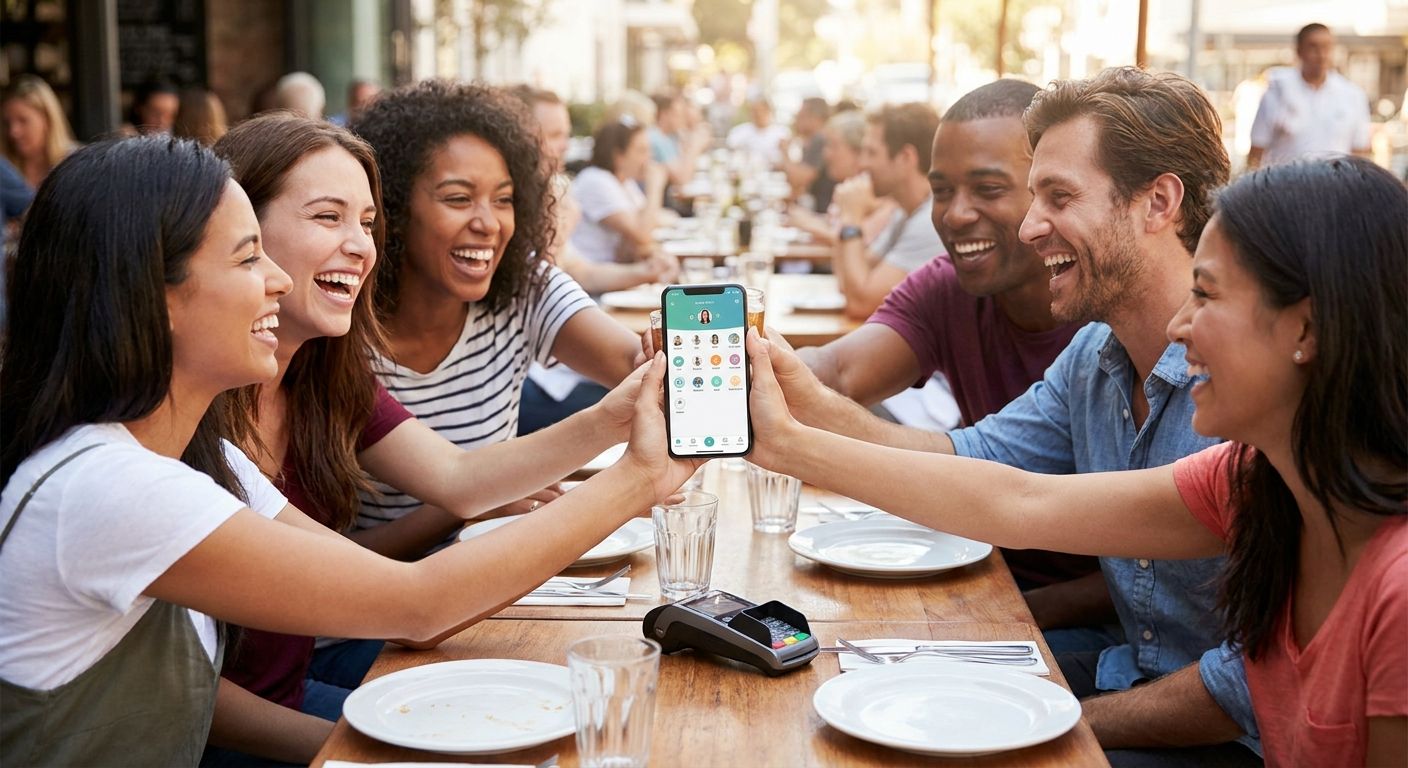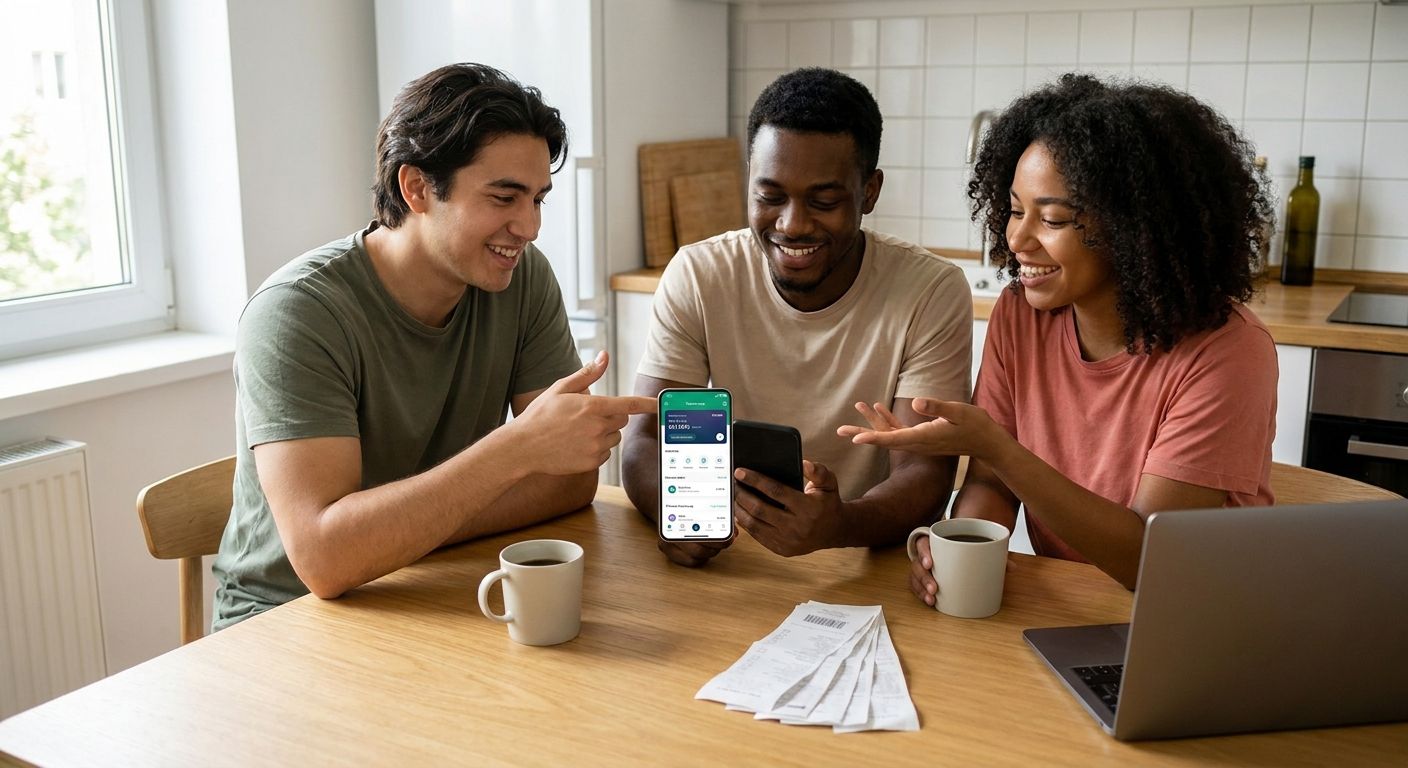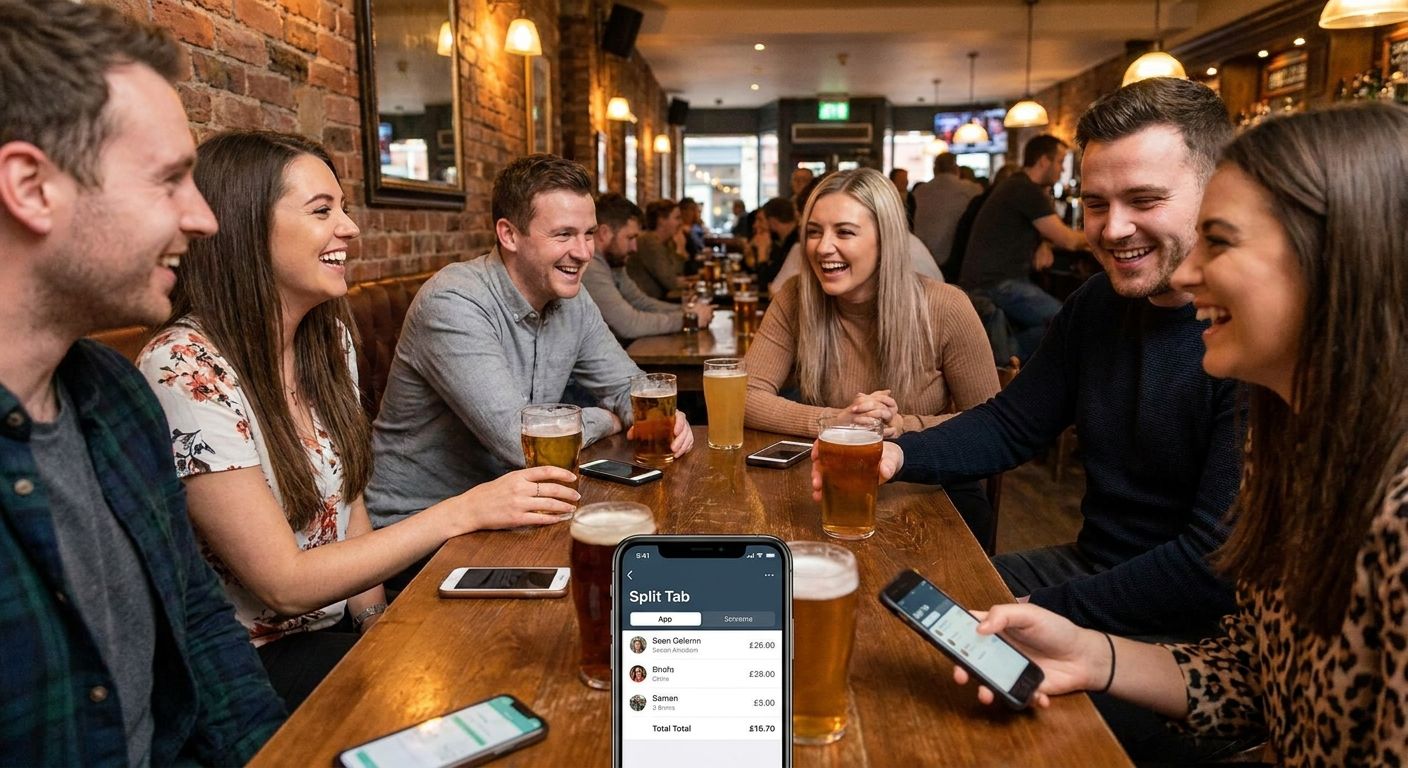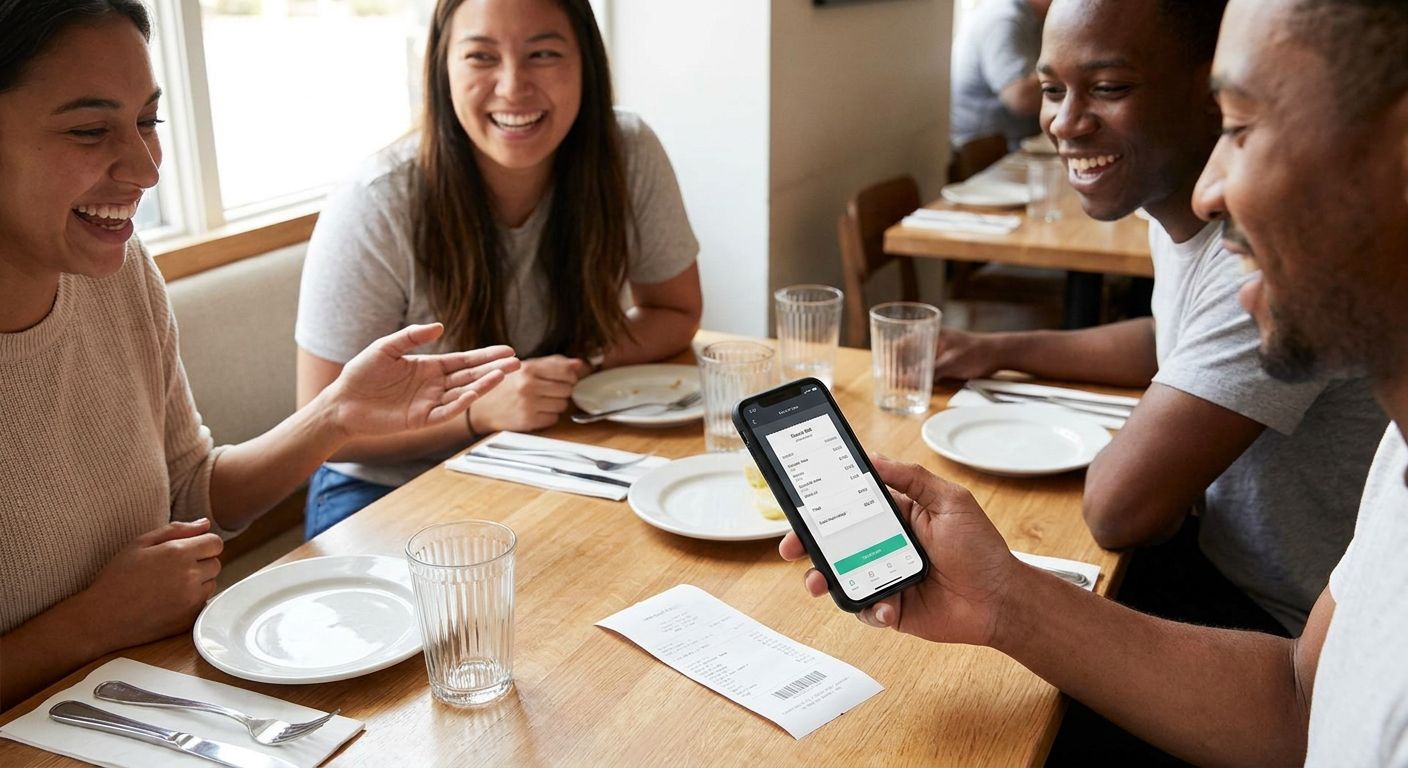
Splitting a restaurant bill with friends usually turns into ten minutes of "who had the calamari" before anyone pulls out a card. Photographing the receipt and letting each diner claim their own items removes the math and the argument in one move.
- Photographing the receipt and letting each diner claim items beats manual math for splitting a restaurant bill with friends in 2026.
- BillTap turns a photographed receipt into a QR code — each diner scans it, claims what they ordered, and pays their exact share.
- Payment happens through Venmo, Cash App, or Zelle, so nobody needs a new account or a card swipe at the table.
- Tax and tip apply proportionally to what each person claims, not as a flat per-head charge — check this before paying.
- The full process takes under five minutes from photo to paid, with no app download required since BillTap runs in the browser.
Why this matters
Splitting evenly is fast when everyone ordered roughly the same thing. It falls apart the moment one person had a $34 steak and another had a $9 salad, or someone skipped the shared appetizer entirely.
Groups of six or more almost always end in someone overpaying to avoid the awkward conversation, or someone underpaying because the math got fuzzy after a second round of drinks. Itemized splitting by receipt scan fixes both problems in 2026 without anyone opening a spreadsheet or a calculator app mid-dinner.
The method below works for any group size, any restaurant, and any combination of payment apps your friends actually use.
What you'll need
- A smartphone with a working camera
- The physical receipt, itemized (not just the card total slip)
- Each diner's phone with Venmo, Cash App, or Zelle installed
- A few minutes before everyone scatters from the table
- Access to BillTap on any phone browser — no app store download needed
The steps
1. Photograph the itemized receipt
Ask the server for the itemized copy, not the card summary. The itemized version lists each dish, drink, tax line, and tip line separately, which is what makes claiming possible. Lay the receipt flat, avoid glare from overhead lights, and get the full page in frame including the totals at the bottom.
A blurry or cropped photo is the single biggest reason a split goes wrong later. If the receipt is long, take two overlapping photos rather than one shrunk-down shot.
2. Upload the photo to BillTap
Open BillTap in the phone's browser and upload the receipt photo. The app reads the line items and totals — tax, tip, and subtotal come along automatically so nobody has to re-type numbers from a faded thermal printout.
Double-check the read-out against the paper receipt for one or two line items before moving on, especially if the printer ink was light.
3. Generate and share the QR code
Once the receipt is loaded, BillTap generates a QR code tied to that specific bill. Show it on the table or send it to the group chat — anyone at the table scans it with their own phone camera, no login required.
This step replaces the group text where someone types out "ok so I had the salmon and half the fries" and everyone loses track by message twelve.
4. Each diner claims their own items
Everyone scans the code and taps the items they personally ordered. Shared plates get split by however many people are claiming a bite — three people on one order of nachos means each gets a third of that line.
This is where the group-of-six-plus scenario actually gets solved: everyone claims independently and at their own pace, so the table doesn't sit around waiting on one person to do mental math.
5. Confirm tax and tip allocation
Tax and tip should apply proportionally to what each person claimed, not as an even split across the table. Someone who ordered a $12 burger shouldn't cover the same tax and tip dollar amount as someone who ordered a $40 ribeye.
Check this before anyone pays. A flat per-head tip on an uneven bill is the fastest way to make the person who ordered water feel ripped off.
6. Pay through Venmo, Cash App, or Zelle
Once everyone's claimed total is set, each diner pays their exact share through whichever app they already use — Venmo, Cash App, or Zelle. Nobody needs to download a new payment app or hand over a card number to a stranger's account.
This is the step that used to require someone fronting the whole bill on one card and collecting IOUs for a week. It doesn't have to work that way in 2026.
7. Verify the totals reconcile
Before the group leaves the table, confirm that all claimed amounts plus tax and tip add up to the original receipt total. A gap of a few cents from rounding is normal; a gap of several dollars means someone missed an item or double-claimed a shared plate.
Catching this at the table takes thirty seconds. Catching it after everyone's gone home takes a group chat nobody wants to be in.
Split your next group bill in minutes
Photograph the receipt, scan the code, pay your exact share.
Troubleshooting
The receipt photo is blurry or the printer ink is faded. Retake it in better light, or manually adjust the read-out line by line — it takes an extra minute but avoids a wrong split later.
Someone claims an item that isn't theirs. Un-claim it and let the right person claim it before anyone pays. This is far easier to fix before payment than after.
One friend doesn't have Venmo, Cash App, or Zelle. Have them pay cash to whoever is closest to the total, or ask if they can set up one of the three apps at the table — setup takes under two minutes on most phones.
Shared appetizers cause confusion. Assign the item to every person who ate from it before anyone finalizes their claim; the split then divides that line evenly among just those diners, not the whole table.
The Wi-Fi or signal at the restaurant is weak. Photograph the receipt first while signal is available, then upload once you're near a stronger connection — the process doesn't require real-time connectivity at the exact moment of the photo.
Tax or tip looks off after everyone claims items. Re-check whether the tip was calculated on the pre-tax or post-tax subtotal — restaurants aren't consistent about this in 2026, and it changes each person's proportional share by a few percent.
“If splitting evenly worked, nobody would still be arguing about the shared appetizer three years later.”
Tools and resources
- BillTap — photograph the receipt, generate the QR code, let the group claim items and pay individually
- Venmo, Cash App, or Zelle — whichever your group already has installed
- A phone camera with decent low-light performance for dim restaurant lighting
- The itemized receipt, not the card summary slip
What to do next
Bookmark the BillTap page on your phone's home screen before your next group dinner so it's one tap away instead of a search. The habit that actually sticks in 2026 is photographing the receipt before the server even clears the plates — it takes ten seconds and saves the whole table from doing math over dessert.
If your group eats out regularly, agree once on itemized splitting as the default instead of re-negotiating it every time. It removes the awkward moment where someone has to suggest it.
FAQ
What's the best way to split a restaurant bill with friends in 2026?
Photographing the itemized receipt and having each diner claim their own items is the most accurate method in 2026. It beats an even split whenever orders vary in price, which is most of the time.
Is scanning a receipt better than splitting evenly?
Yes, once orders differ by more than a few dollars per person. An even split only makes sense when everyone ordered roughly the same thing.
How much does BillTap cost to use?
Check the current details on the BillTap site for exact terms. The app works from a phone browser without a download.
Do I need to download an app to split a bill with BillTap?
No, BillTap runs as a mobile web app in the phone's browser. Diners open a link or scan a QR code without visiting an app store.
Can I pay my share with Venmo instead of Cash App?
Yes, BillTap supports Venmo, Cash App, and Zelle, so each diner can pay with whichever they already use. Nobody in the group needs to switch apps.
How does tax and tip get split among the group?
Tax and tip are applied proportionally to what each person claimed on the receipt, not as a flat charge per head. This keeps the split fair when order sizes differ.
What if someone claims the wrong item on the receipt?
Un-claim the item and have the correct person claim it before anyone pays. Fixing it before payment is far simpler than adjusting after money has moved.
How long does it take to split a bill this way?
Most groups finish in under five minutes from the receipt photo to everyone paying their share. Larger groups of eight or more may take a couple minutes longer as everyone claims independently.
One last thing
The part people underestimate is how much faster claiming is than deciding. Most tables lose more time debating whether to split evenly or by item than they'd ever spend actually scanning and claiming. Skip the debate in 2026 — photograph the receipt first, let the app sort the math, and decide over dessert instead of over the check.