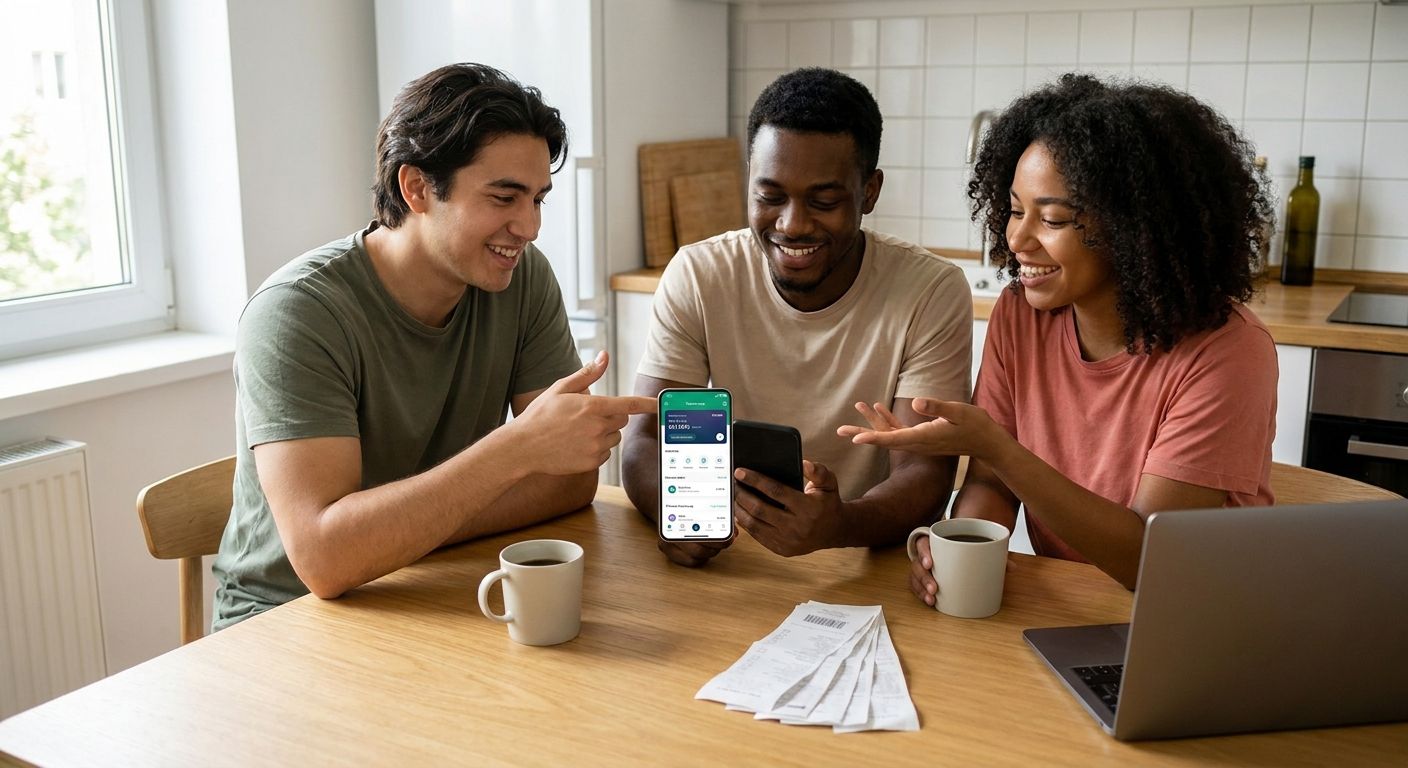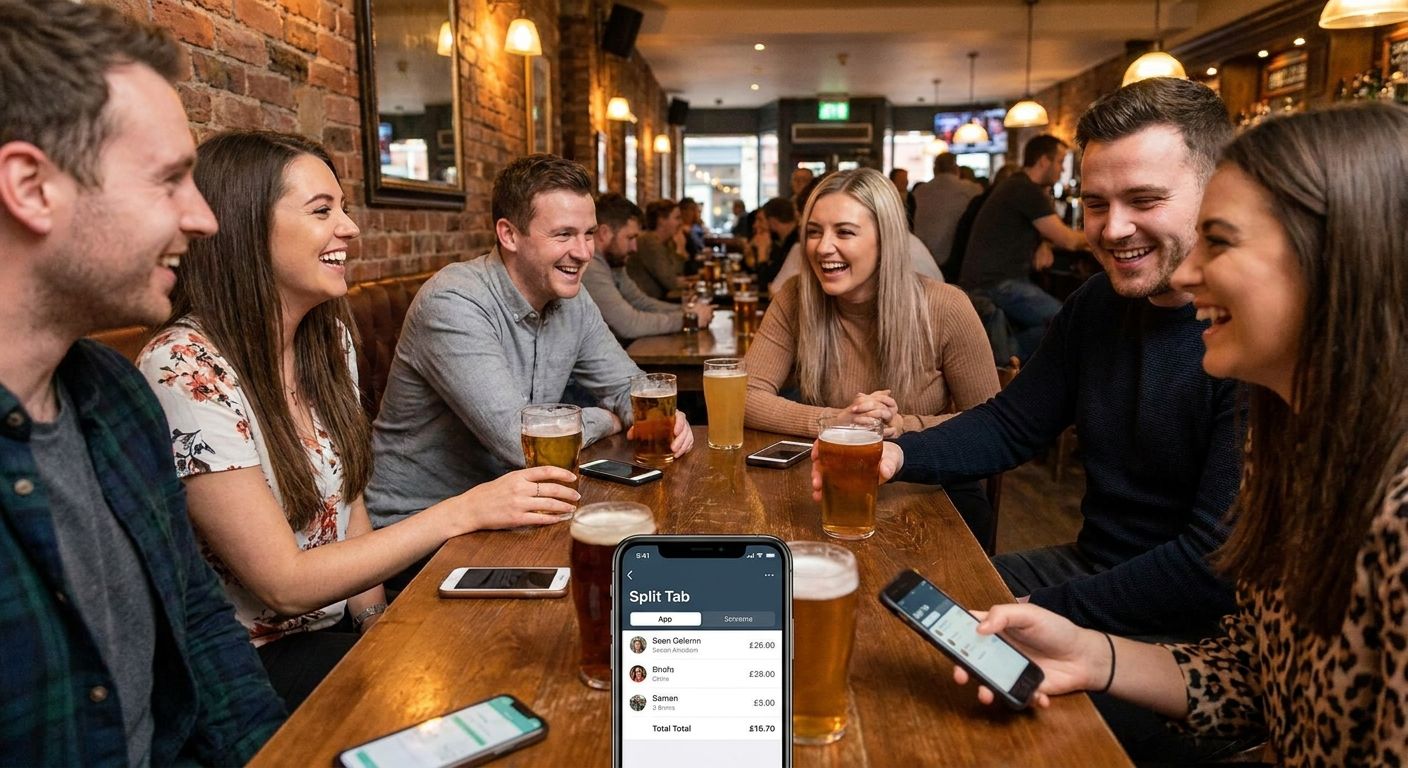
Splitting a restaurant bill for eight, twelve, or twenty people by hand turns into arithmetic hell before the check even hits the table — this guide ranks the apps that actually hold up for large groups in 2026.
- BillTap is the best bill splitting app for large groups in 2026 — photograph the receipt, scan a QR code, pay your share. Buy.
- Splitwise tracks shared expenses over time but skips receipt itemization — Hold for ongoing roommate tabs, not one-off dinners.
- Venmo and Cash App need manual entry per person — Skip once a table passes eight guests.
- Zelle moves money free between US banks but has zero splitting logic on its own — pair it with an itemizing app.
Why this matters
Someone always overpays. Someone forgets they ordered a second round. The math eats ten minutes at the table while the server hovers with the check presenter, and by the time it's sorted, half the group has already left cash on the table that doesn't add up.
In 2026, Venmo, Cash App, and Zelle handle the money movement fine — but none of them read a receipt. The gap between "who ordered what" and "who owes what" is exactly where large groups fall apart, and it's exactly why a dedicated bill splitting app for large groups matters more than another payment app. Payment apps move money. They don't tell you how much of the check is yours.
How we ranked
This ranking weighs four things that matter specifically once a group passes eight people: whether the app itemizes the receipt instead of splitting evenly, whether it settles through payment apps guests already have installed, how much manual typing falls on one unlucky person, and whether it scales past ten or twelve diners without turning into a group chat argument. Apps built for two-person expense tracking or long-running roommate tabs get marked down here even when they're solid in smaller settings — a large group dinner is a different problem than a monthly rent split.
The ranked list
1. BillTap — the itemized pick
BillTap works from a photo of the actual receipt. The payer snaps it, the app breaks it into line items, and every other diner scans a QR code, taps the items that are theirs, and pays their exact share through Venmo, Cash App, or Zelle. Nobody is eyeballing who had the $22 entrée versus the side salad, and nobody is fronting the whole check hoping everyone Venmos back.
For a table of ten or more, that's the difference between a five-minute settle-up and a group chat that drags on for two days. Verdict: Buy.
BillTap is built specifically around this scan-and-claim flow rather than manual entry.
2. Splitwise — the running-tab tracker
Splitwise is built for ongoing shared expenses — roommates splitting rent and utilities over months, or a group trip where costs pile up across several days. It's genuinely good at keeping a running balance so nobody has to remember who paid for gas three weeks ago.
What it doesn't do is read a restaurant receipt line by line at the table. You're still manually entering amounts, and for a one-off large-group dinner that's friction you don't need. Verdict: Hold — keep it for recurring group finances, not the Friday night dinner for fourteen.
3. Venmo group payments — the request-and-hope method
Venmo lets you send individual payment requests, but someone still has to calculate each person's share by hand first. Nothing in the app itemizes a receipt, and Venmo charges a 3% fee on card-funded payments, which quietly eats into whatever amount you're trying to collect.
For four people splitting evenly, fine. For sixteen people who each ordered different apps, drinks, and entrées, this turns into a chain of individual DMs asking "can you confirm your total?" Verdict: Skip for groups over eight.
4. Cash App — the peer-to-peer fallback
Cash App has the same core limitation as Venmo — manual entry, no receipt itemization — plus the added friction that everyone in the group needs a Cash App account before you can send them a request. For a mixed group where half the table uses Venmo and half uses Cash App, that's a second layer of coordination nobody asked for. Verdict: Skip for large groups.
5. Zelle — the bank-to-bank option
Zelle transfers money directly between US bank accounts for $0, no fee, which makes it the cheapest way to actually move money once the math is done. The problem is it has zero built-in splitting logic — you're doing the arithmetic somewhere else first, whether that's a calculator app or a napkin. Verdict: Skip alone, Consider as the payout rail once an itemizing tool has done the actual splitting.
6. Manual spreadsheet or calculator — the old-school grind
Someone photographs the receipt, types every line into a phone calculator, tallies tax and tip, then sends individual Venmo or Zelle requests one at a time. It works for a table of four. At eight or more people it turns into fifteen minutes of typing while everyone else stands around waiting for their number. Verdict: Skip once the group hits eight-plus.
Comparison table
| App | Best for | Itemizes the receipt | Payment method | Verdict |
|---|---|---|---|---|
| BillTap | Large group dinners, 8+ people | Yes, via photo + QR scan | Venmo, Cash App, Zelle | Buy |
| Splitwise | Ongoing shared expenses | No | Linked payment methods | Hold |
| Venmo group request | Small groups splitting evenly | No | Venmo (3% card fee) | Skip for 8+ |
| Cash App | Small groups, existing users | No | Cash App | Skip for 8+ |
| Zelle | Moving money after math is done | No | Bank transfer, $0 fee | Consider as payout rail |
| Spreadsheet/calculator | Tiny groups, no app needed | Manual | Any | Skip for 8+ |
Where to get it right
- Use an itemizing bill splitting app once the table hits eight or more people — below that, manual math is annoying but tolerable.
- Have the payer photograph the receipt before anyone leaves the table, not after the group has scattered.
- Confirm each diner has Venmo, Cash App, or Zelle installed before the QR code goes out — the settle-up is only as fast as the slowest phone.
For the mechanics of the scan itself, the walkthrough on how to split a restaurant bill by scanning the receipt covers the exact steps from photo to payment.
FAQ
What's the best bill splitting app for large groups in 2026?
BillTap is the top pick for groups of eight or more in 2026 because it itemizes the actual receipt instead of dividing the total evenly. Guests scan a QR code, claim their own items, and pay through Venmo, Cash App, or Zelle.
Is BillTap better than Splitwise for restaurant bills?
For a one-off restaurant dinner, yes — BillTap reads the receipt and splits it in one pass, while Splitwise requires manual entry. Splitwise is still the stronger choice for tracking recurring shared expenses over weeks or months.
Does Venmo work for splitting a big group dinner?
Venmo can send payment requests, but it doesn't itemize a receipt, so someone still has to calculate each person's share by hand. It also charges a 3% fee on card-funded payments, which adds up on a large check.
How does BillTap split an itemized restaurant bill?
The payer photographs the receipt, and each diner scans a QR code to claim the items that are theirs. The app calculates each person's exact share, and they pay it directly through Venmo, Cash App, or Zelle.
Can Zelle split a bill automatically?
No, Zelle only moves money between US bank accounts for $0 in fees — it has no built-in logic for dividing a check. It works well as the payout method once an app like BillTap has already done the itemized math.
What size group counts as 'large' for bill splitting?
Eight or more diners is the point where manual splitting starts to break down, since one person has to calculate everyone else's share by hand. Below that, a calculator or even splitting evenly can still work.
Does bill splitting cost extra on top of Venmo, Cash App, or Zelle fees?
Cost depends on which payment app you settle up through rather than the splitting step itself. Venmo and Cash App can charge card-funded payment fees around 3%, while Zelle bank transfers are typically free.
Do all diners need the same payment app to split a bill?
No — BillTap lets each diner pay through whichever of Venmo, Cash App, or Zelle they already use, so the group doesn't need to standardize on one app. That flexibility matters most in mixed groups where not everyone has the same accounts set up.
One last thing
Zelle carries a $0 transfer fee between US banks, which makes it the cheapest settle-up rail in 2026 — but only once something has already done the itemized math. Pair a receipt-scanning app with a free transfer method and the entire group is square before the server clears the table, not two days later in a group chat.