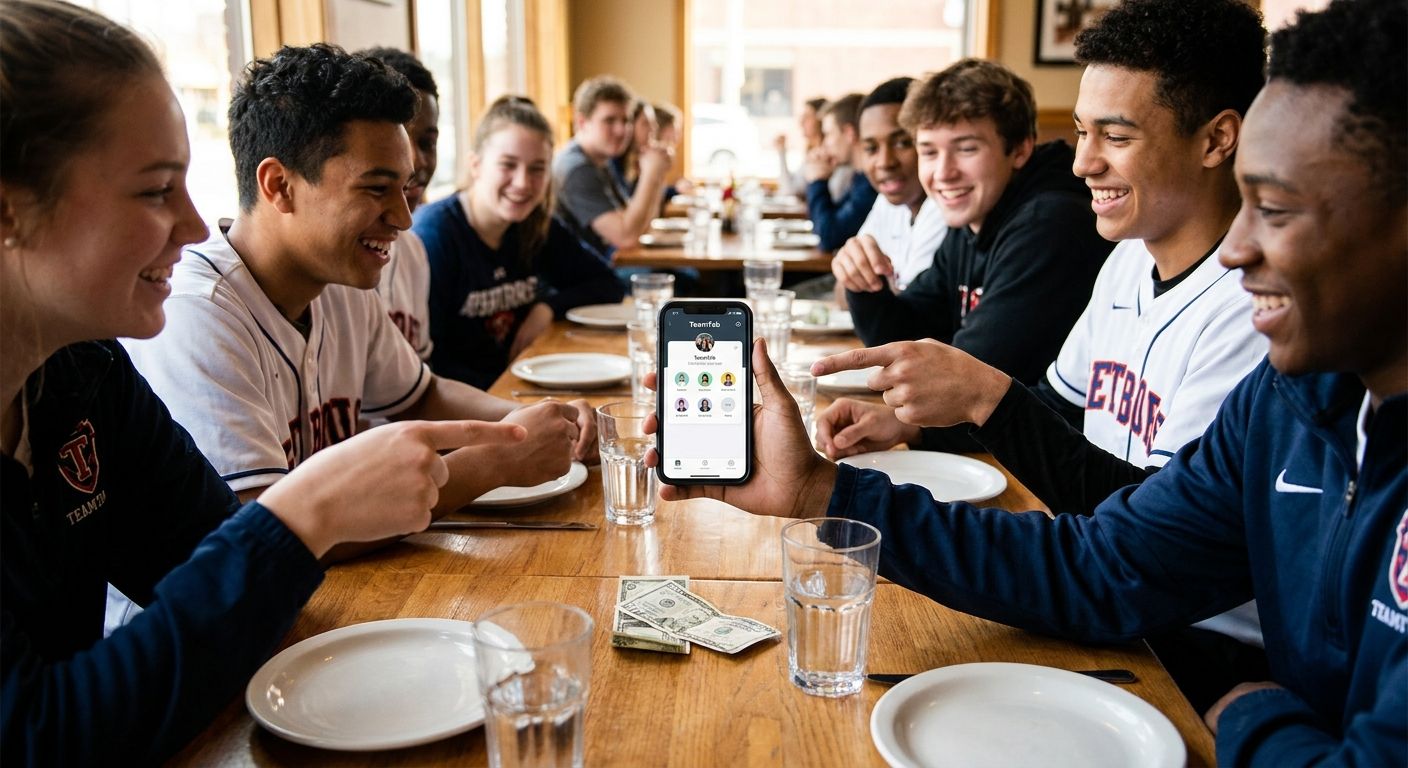
Team dinners after the game turn into math problems fast: fifteen players, three parents who only use Zelle, two kids who just want fries, and one manager standing at the register doing mental long division. A bill splitting app for sports team dinners fixes that by matching payment to what each person actually ordered, not an even split that punishes the kid who had water.
- BillTap wins for sports team dinners because it splits by item, not headcount — Buy.
- Even splits fail mixed-order team meals where kids' menu items sit next to $28 entrees — Skip.
- Venmo requests from one manager tracking 15 people individually don't scale past a single dinner — Skip.
- A bill splitting app for sports team use should support Venmo, Cash App, and Zelle since rosters mix payment preferences.
- BillTap's photo-and-QR method needs no app download from parents, which matters for one-off team dinners in 2026.
Why this matters
Sports team dinners are a recurring headache, not a one-time split. A team that eats together after every home game in 2026 runs this math 10-15 times a season, and the group changes every time depending on who showed up and whether siblings tagged along.
The person collecting money is usually a volunteer team manager or parent, not a bill-splitting expert. They need a method that works with zero setup, handles a receipt with 15+ line items, and doesn't require every parent on the roster to create an account before dinner gets cold. That's the bar a bill splitting app has to clear for this use case specifically.
Who this is for
This guide is for team managers, assistant coaches, and parent volunteers who organize post-game or pre-tournament dinners for youth sports teams, adult rec leagues, or travel squads. If your group ranges from 10 to 25 people, includes a mix of kids and adults ordering wildly different amounts, and pays through at least two different apps between them, the criteria below apply directly to you.
What to look for in a bill splitting app for sports team dinners
Splits by item, not by headcount
Team dinners never split evenly in real life — a parent ordering a $28 entree and a glass of wine shouldn't pay the same as a kid who ordered a $7 grilled cheese. An app that itemizes the receipt and lets each diner claim what they actually ate solves the fairness problem before anyone complains.
No app download required for every diner
Parents you see twice a season aren't installing a new app for one dinner. A method built on a QR code scan means anyone with a phone camera can claim their items in under a minute, no account creation, no app store detour.
Multiple payment rails in one flow
Rosters mix payment habits — some parents live on Venmo, others only use Cash App or Zelle. A tool that supports all three means the person collecting money isn't stuck chasing down the one holdout who refuses to switch apps.
Handles shared appetizers and drinks fairly
Team dinners almost always include a shared order of mozzarella sticks or a pitcher for the table. The splitting logic needs to divide those shared items proportionally across the people who actually reached for them, not dump the cost on whoever's name is on the card.
Works for a repeat, recurring group
A team eating together weekly during a 2026 spring season needs a method that's fast the tenth time, not just the first. If setup takes as long as the dinner itself, the team manager stops using it by week three.
Accurate handling of tax and tip on large-party checks
Many restaurants auto-add an 18-20% gratuity once a party crosses eight or ten diners. The splitting method needs to divide that add-on proportionally across the group, not tack it onto whoever happened to grab the check.
Top picks for sports team dinners
BillTap — the fastest for a parent group chat. Photograph the receipt, generate one QR code, and let every diner on the roster scan it to claim their own items and pay their exact share through Venmo, Cash App, or Zelle. For a team dinner with 18 players and parents mixed at the table, the manager sends one link instead of 18 individual Venmo requests. Verdict: Buy.
Manual Venmo requests from the team manager — the default nobody actually likes. One person photographs receipts, calculates shares by hand, and sends individual requests to each parent — for a roster of 15, that's 15 separate calculations and 15 follow-ups when someone forgets to pay. It works for a team of four but breaks down past a single table of eight. Verdict: Skip.
Even split across every diner — the fast option that starts arguments. Dividing a $340 team dinner by 15 people sounds simple until the three parents whose kids ordered $8 kids' meals notice they paid the same as the four adults who ordered $28 entrees plus drinks. It's fine for a team of adults ordering similarly, but wrong the moment kids and grown-ups share a table. Verdict: Skip for mixed-order teams, Consider only for adult leagues where orders run close to equal.
Cash pool or envelope collection — the old-school workaround. Passing an envelope works for a roster of six or seven where everyone knows roughly what they owe, but it falls apart once the group hits double digits and someone doesn't have exact change. Verdict: Consider for teams under 8, Skip for a full roster.
Split the next team dinner in minutes
Photograph the receipt, scan a QR code, everyone pays their exact share.
What to avoid
- Apps that require every diner to sign up before claiming an item. Parents you see once a month won't complete a full account setup mid-dinner — friction kills adoption on a one-off team meal.
- Splitting tools built for two people, not groups. A lot of payment apps handle a couple splitting a date-night check well but choke once you feed them a 15-line-item receipt with shared appetizers.
- Any method that assumes one payment app for the whole team. Locking the group into Venmo-only or Zelle-only guarantees at least one parent has to install something new just for your dinner.
Verdict comparison
| Method | Splits by item | No app download | Multiple payment rails | Handles shared orders | Verdict |
|---|---|---|---|---|---|
| BillTap (photo + QR scan) | Yes | Yes | Venmo, Cash App, Zelle | Yes | Buy |
| Manual Venmo requests | No | No | Venmo only | No | Skip |
| Even split | No | N/A | N/A | No | Skip (mixed orders) |
| Cash pool / envelope | No | N/A | Cash only | No | Consider (under 8) |
“If the team manager is doing math in the parking lot, the dinner already went wrong.”
For teams that travel for tournaments, the same logic applies to the whole weekend, not just one meal — see how a bill splitting app for group trips handles multi-day expenses across hotel rooms and multiple restaurant stops. And if you want the mechanics of the receipt-scan method itself, the full walkthrough on how to split a restaurant bill by scanning the receipt covers claiming items step by step.
FAQ
What's the best bill splitting app for sports team dinners in 2026?
BillTap is built for exactly this scenario: photograph the receipt, scan a QR code, and each diner claims and pays their own items through Venmo, Cash App, or Zelle. It beats manual Venmo requests once a team roster passes eight or ten people.
How do you split a restaurant bill for a youth sports team fairly?
Split by item, not headcount, since kids' meals and adult entrees rarely cost the same. Photographing the receipt and letting each diner claim what they ordered removes the guesswork the team manager would otherwise do by hand.
Do all the parents need to download an app to split a team dinner bill?
No — with BillTap, parents scan a QR code from their phone camera and claim their items in the browser, with no account creation required. That matters for a group you might only see once or twice a season.
Is an even split fair for a mixed team dinner with kids and adults?
Usually not. An even split works when every diner orders roughly the same amount, but it breaks down the moment kids' menu items sit next to full adult entrees and drinks on the same check.
What payment apps work with BillTap for team dinners?
BillTap supports Venmo, Cash App, and Zelle, which covers most payment preferences across a typical team roster. That removes the usual back-and-forth of chasing the one parent who refuses to switch apps.
Can a bill splitting app handle a team dinner with 20 or more people?
Yes — BillTap's QR-code claiming method scales to large rosters since every diner scans the same code and claims their own line items independently. The manager isn't manually calculating shares for 20 separate people.
How does a bill splitting app handle shared appetizers at a team dinner?
Shared items like a table of mozzarella sticks or a pitcher get divided proportionally across the diners who claim them, rather than landing on whoever's card is on file. That keeps the split fair even when orders overlap.
Is BillTap free to use for a team dinner?
Check the current pricing directly on the BillTap site before your next team dinner, since terms can change. The core photo-and-QR splitting flow is designed to work for one-off group meals without a long setup.
One last thing
The teams that stick with a splitting method past the first game are the ones where the manager never has to explain the math out loud — the receipt does the explaining. If your team eats together weekly through a 2026 season, the time saved isn't in any single dinner, it's in never having to send a fourth Venmo reminder to the same parent.