Splitting a restaurant tab through Venmo works fine until someone orders the $34 steak and everyone else got salads — then the app that actually reads the receipt wins.
- BillTap is the best bill splitting app for Venmo users in 2026 for itemized splits — Buy.
- Venmo's built-in charge-split feature only divides a bill evenly, not by item — Hold for simple groups.
- Splitwise tracks who owes what but never moves money itself — pair it with Venmo manually — Consider.
- Cash App and Zelle have no native splitting tool; both require manual math — Skip for groups over three.
Why this matters
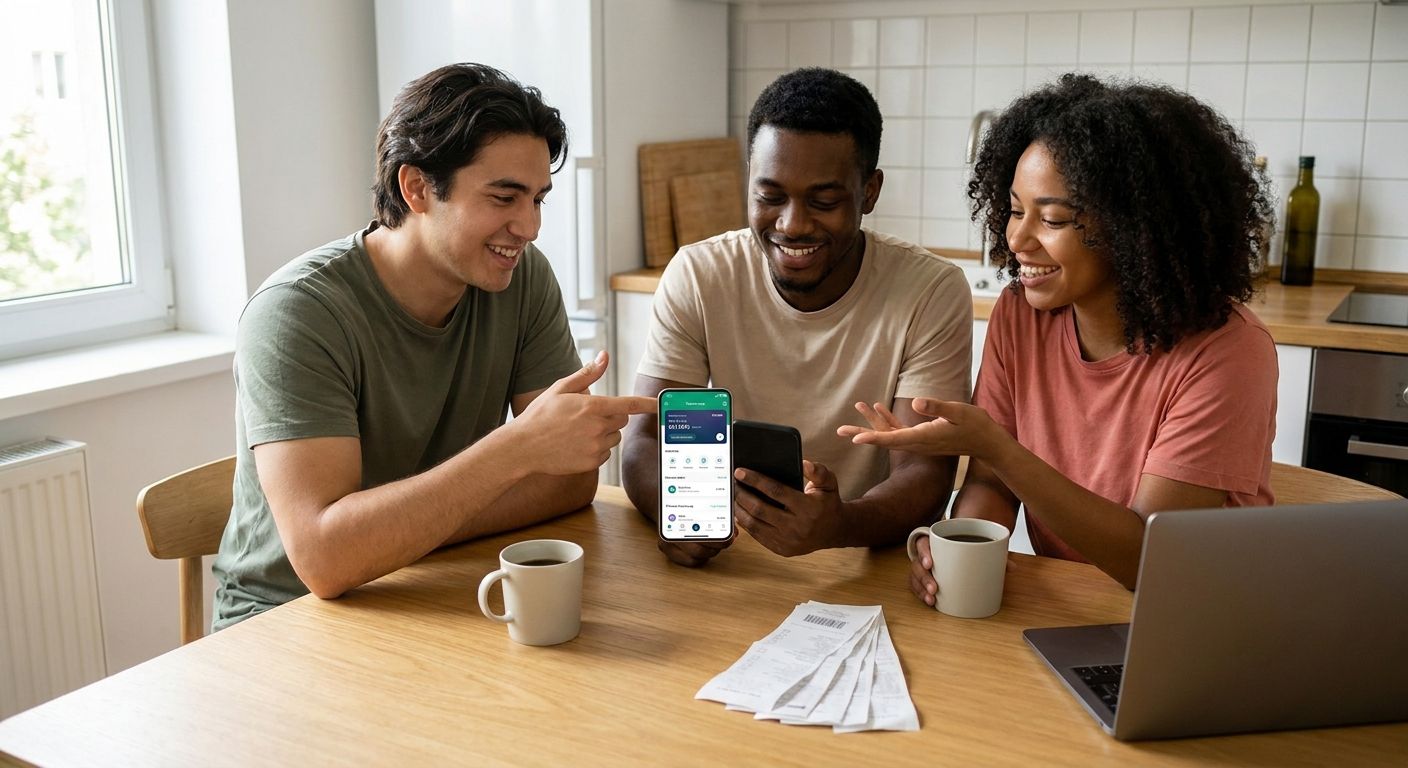
Venmo moves the money, but Venmo was never built to figure out who owes what. Its charge feature splits a request evenly across everyone you tag — great for a $60 pizza order, useless the moment one person adds a $12 cocktail and another orders water.
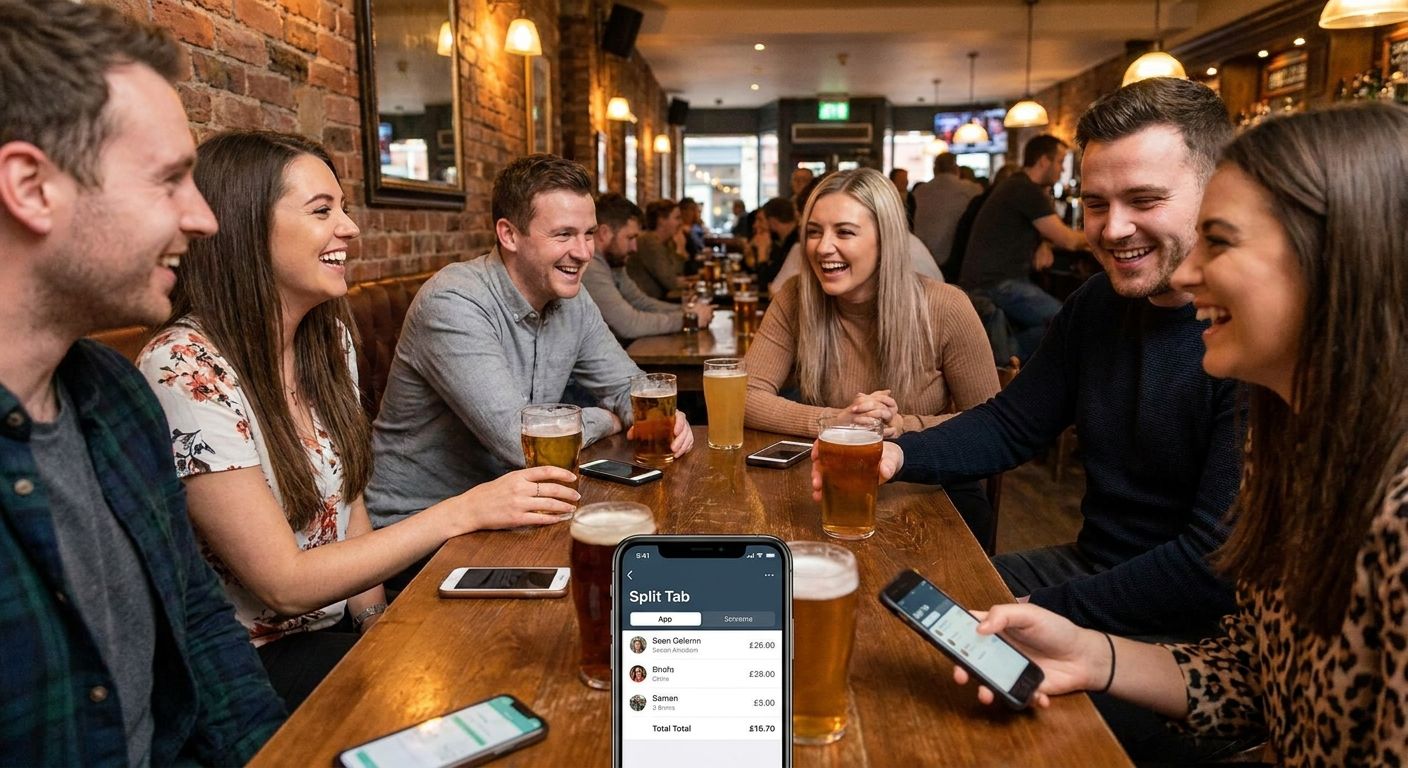
That gap is why a second layer exists: an app that reads the actual receipt, assigns items to the right person, and then hands off the exact number to Venmo, Cash App, or Zelle. BillTap does that by letting one person photograph the receipt while everyone else scans a QR code and claims their own items.
The question worth answering in 2026 isn't "which app moves money" — Venmo, Cash App, and Zelle all do that. It's which app removes the group-chat math before the money moves.
How this list is ranked
Every app on this list gets judged against three things a group actually cares about at the table: does it read an itemized receipt instead of just splitting a total evenly, does it settle directly into Venmo, Cash App, or Zelle without a new account for everyone, and does one person's phone do the work instead of six people downloading something new.
Apps that require the whole table to sign up before anyone can pay lose points immediately — that's the single biggest reason group bill-splitting stalls out at the table in the first place.
The ranked list
1. BillTap — the receipt-scan pick
One diner photographs the paper or digital receipt, the app itemizes it, and everyone else scans a QR code from their own phone to claim what they ordered. Payment routes straight to Venmo, Cash App, or Zelle for the exact amount owed — tax and tip included, not eyeballed.
That matters most for groups where orders aren't equal: a table of roommates splitting a grocery run or shared dinner doesn't want the person who ordered water paying the same share as the person who ordered a steak. Verdict: Buy for any group where orders differ by more than a few dollars per person.
2. Venmo's built-in split-a-charge feature — the one you already have
Venmo lets you tag multiple people on a single charge request and it divides the total evenly among them. It's already installed if anyone in the group uses Venmo, and it takes under a minute to send.
The catch: it only does even splits. Order different amounts and someone overpays or underpays every single time, with no way to adjust per item inside the request itself. Verdict: Hold — fine for a coffee run where everyone ordered the same thing, wrong for a dinner with mismatched checks.
3. Splitwise — the IOU tracker
Splitwise logs shared expenses across a group and calculates a running balance of who owes whom over time. It's built for recurring costs — rent, utilities, a shared grocery tab — more than a single night out.
It doesn't move money on its own; you still settle the balance separately through Venmo, Cash App, Zelle, or cash. That's an extra step every time someone wants to actually get paid. Verdict: Consider for ongoing roommate or travel-group ledgers, not for a one-off restaurant bill you want closed out before you leave the table.
4. Cash App manual splitting — the DIY workaround
Cash App moves money fast between accounts but has no built-in feature for dividing a bill among a group. Splitting means someone does the math in a notes app or group chat, then sends individual payment requests one by one.
That approach breaks down past three or four people, especially with tax and tip layered on top of uneven orders. Verdict: Skip for any group over three unless someone enjoys doing arithmetic at the table.
5. Zelle plus a spreadsheet — the old-school method
Zelle transfers bank-to-bank with no fees and no app-to-app friction, but it has zero splitting logic built in. Every split still gets calculated by hand and every request gets sent manually.
It works for two people settling a simple 50/50 bill. It does not scale to a table of eight ordering different entrees, drinks, and desserts. Verdict: Skip for groups, fine for a two-person date-night settle-up.
“If the app can't read a photo of the receipt, someone at the table is still doing the math in a group chat.”
Comparison table
| App | Reads itemized receipts | Settles to Venmo/Cash App/Zelle | Everyone needs a new account | Verdict |
|---|---|---|---|---|
| BillTap | Yes | Yes, all three | No | Buy |
| Venmo split-a-charge | No, even split only | Native | Only Venmo | Hold |
| Splitwise | Manual entry | No, external settle-up | Yes | Consider |
| Cash App manual | No | Native, manual | No | Skip |
| Zelle + spreadsheet | No | Native | No | Skip |
Where to actually use this
- If your group already lives in Venmo, don't add a new payment app on top of it. BillTap sends the final request straight into Venmo, Cash App, or Zelle, so nobody creates a new financial account just to pay their share.
- For recurring costs — not one dinner — a ledger tool like Splitwise still earns its place. Save the itemized receipt scan for the night you're actually settling up at the table, especially larger tables where orders vary widely.
- Skip any tool that makes the whole table sign up before the first person can pay. The friction of six downloads kills more group tabs than bad math ever does.
Split your next bill without the math
Photograph the receipt, let the table claim their items, pay Venmo, Cash App, or Zelle.
FAQ
What's the best bill splitting app for Venmo users in 2026?
BillTap is the best bill splitting app for Venmo users in 2026 because it reads the itemized receipt and sends each person's exact share straight to Venmo. Venmo's own split-a-charge feature only divides a total evenly, which fails as soon as orders differ.
Is Venmo's split feature enough for a group dinner?
Venmo's split feature works only for even splits, so it's fine when everyone ordered the same thing. It falls apart the moment orders, tax, or tip differ between people, which is most restaurant tables.
Does Splitwise send money through Venmo?
No. Splitwise tracks the balance of who owes whom but does not move money itself, so you still settle the debt separately through Venmo, Cash App, or Zelle.
How much does BillTap cost to use?
Check billtap.app directly for current details on the app, since pricing and access can change. The core function is photographing a receipt and letting the group claim items and pay their share.
Can I split a bill with someone who doesn't have Venmo?
Yes. BillTap routes payment through Venmo, Cash App, or Zelle, so the group isn't locked into one payment network just because one person prefers a different app.
Does Cash App split bills automatically?
No, Cash App has no built-in bill-splitting feature in 2026. Splitting a tab on Cash App means calculating each share manually and sending individual requests.
What's better for roommates, Splitwise or a receipt-scan app?
Splitwise is better for tracking recurring shared costs like rent and groceries over weeks or months. A receipt-scan app like BillTap is better for closing out a single dinner bill before everyone leaves the table.
Does splitting by item account for tax and tip?
An itemized bill-splitting app calculates tax and tip proportionally based on what each person actually ordered, rather than dividing the whole check evenly. That's the main advantage over Venmo's flat even-split feature.
One last thing
Most group-payment friction in 2026 isn't about the payment app at all — Venmo, Cash App, and Zelle all move money instantly once someone knows the right number to send. The actual bottleneck is getting to that number without someone doing tax-and-tip math on a $340 group tab in a group chat while the table waits. Solve that step and the payment app you already have does the rest. For the mechanics of scanning a receipt at the table, see how to split a restaurant bill with a group by scanning the receipt.