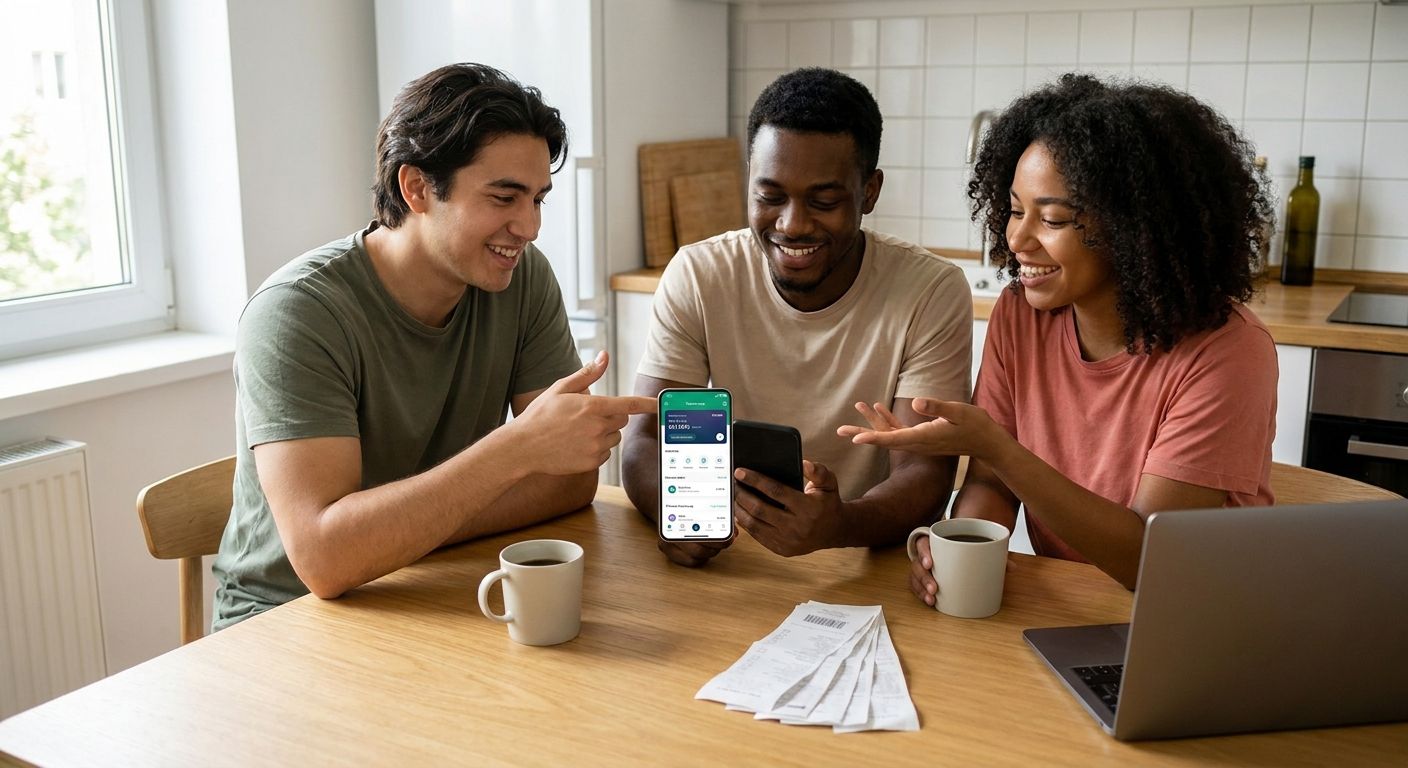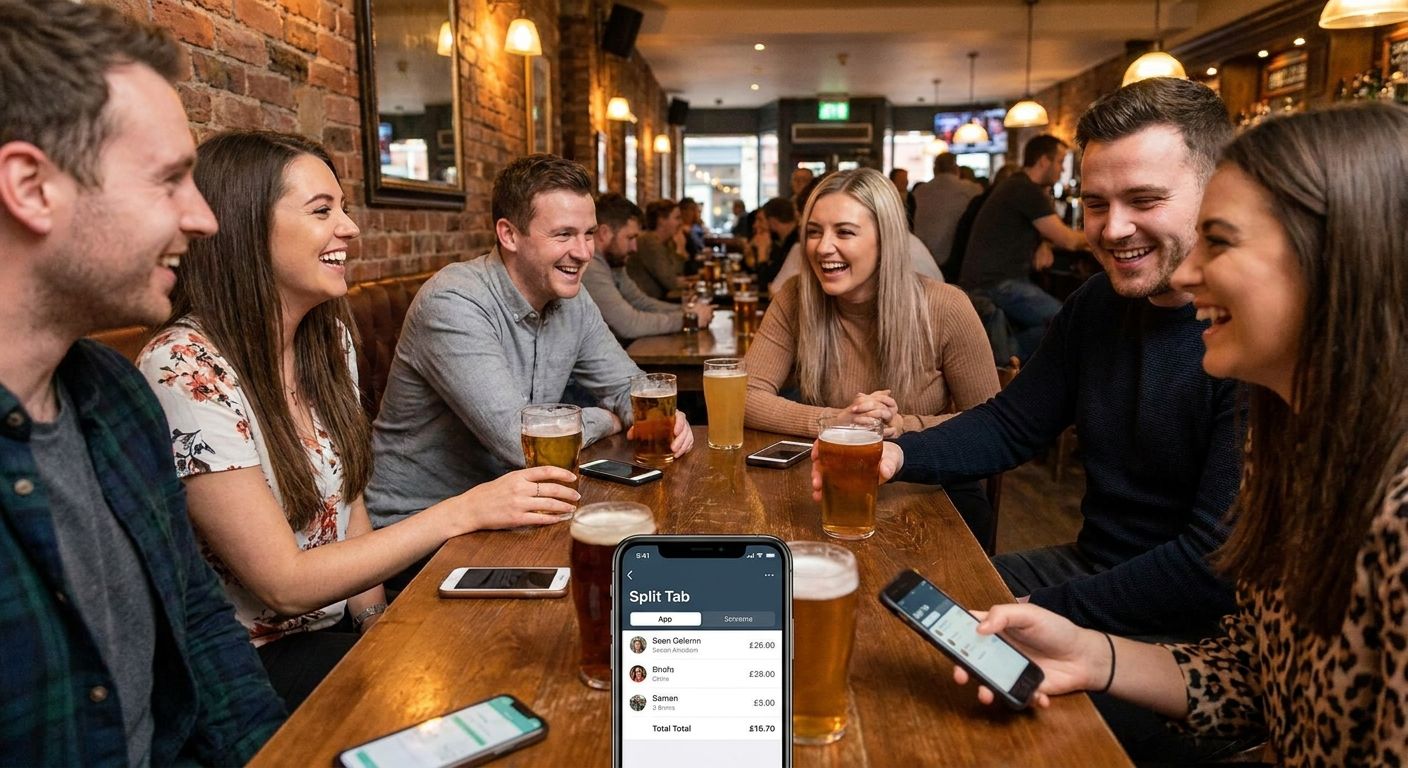
Splitting a $164 team lunch eight ways in a group chat always ends the same way: someone forgets to Venmo, someone rounds down, and the person who paid is still chasing $11 three days later. This guide breaks down what actually matters in a bill splitting app for coworkers and which ones are worth opening at the table.
- BillTap wins for teams who want exact, per-item splits without downloading an app — scan the receipt, claim your items, pay via Venmo, Cash App, or Zelle. Buy.
- Splitwise fits teams that eat together weekly and want a running balance instead of settling every meal. Consider.
- Venmo's built-in group split only works for even splits, not itemized checks — Skip it for anything with different orders.
- Apps that require every coworker to create an account before paying kill adoption on a 10-person team lunch. Avoid those.
Why this matters
Office lunches, happy hours, and offsite dinners are recurring group expenses, but they're not recurring in the way rent or utilities are — the group size changes, who ordered what changes, and half the table doesn't want to install a new app for a $9 side of fries. A bill splitting app for coworkers has to solve for occasional use, not daily use. That's a different design problem than a roommate expense tracker like Splitwise, which assumes the same people settling up month after month.
Get this wrong and the cost isn't just annoyance — it's the person who fronted the card eating the difference every time someone "forgets," and eventually that person stops volunteering to organize team lunches at all in 2026.
Who this is for
This guide is for anyone organizing or splitting group meals with coworkers: the office manager booking a monthly team lunch, the manager expensing a client dinner then collecting each teammate's share, or the five-person Slack channel that goes out for drinks every Friday. If your group changes size week to week and you don't want to onboard eight people onto a new account just to pay for tacos, this is the exact use case a bill splitting app for coworkers needs to handle in 2026.
What to look for in a bill splitting app for coworkers
Itemized accuracy, not even splits
Most office lunches aren't even splits — the person who got the $22 steak shouldn't pay the same as the person who got a $9 salad. An app that only divides the total by headcount (like Venmo's native group request) creates the exact resentment you're trying to avoid. Look for an app that lets each person claim their own items off the actual receipt.
Zero-download friction
On a team of eight, at least two people will refuse to download a new app mid-lunch. A mobile web app that opens from a QR code or a shared link clears that bar; anything gated behind an App Store install loses a chunk of the table before you've even paid the check.
Payment method flexibility
Your coworkers aren't all on the same payment app. Some run everything through Venmo, some are Cash App loyalists, some only use Zelle through their bank. A bill splitting app for coworkers needs to support all three or you're back to manual reconciliation.
Speed at the table
Nobody wants to stand at the register for ten minutes typing names into a spreadsheet app while the restaurant wants the table back. Scanning a receipt photo and letting people tap their own items beats manual line-by-line entry every time — it's the difference between a two-minute settle and a fifteen-minute one.
No stored card numbers
Coworkers are understandably cautious about handing card details to a third app for a $14 lunch. Apps that route payment through Venmo, Cash App, or Zelle rather than storing a card on file remove that objection entirely.
Works for one-off groups, not just repeat ones
A quarterly all-hands dinner, a client lunch, a random Tuesday happy hour — none of these are recurring groups. If the app requires a persistent "group" to be set up in advance, it fails the one-off use case that covers most workplace meals.
Split your next team lunch in minutes
Photograph the receipt, scan the QR code, everyone claims their items and pays.
Top picks for splitting bills with coworkers
BillTap — the receipt-photo pick
BillTap works by photographing the restaurant receipt, generating a QR code the whole table scans, and letting each coworker claim their own items before paying their exact share through Venmo, Cash App, or Zelle. No app download, no account required for the people claiming items, and no manual math for whoever organized the lunch. For a team of six splitting an itemized $164 check, this is the difference between everyone paying their exact share in under a minute versus one person doing mental math at the table. Verdict: Buy for any coworker group that orders different things and wants exact splits.
Splitwise — the running-balance pick
Splitwise tracks who owes whom across multiple meals instead of settling every single time, which suits a team that grabs lunch together two or three times a week. It requires everyone to have an account and doesn't process payment itself — it just tracks the math and you still settle through Venmo or cash separately. For occasional team lunches with rotating attendees, the setup overhead outweighs the benefit. Verdict: Consider only if the same five or six coworkers eat together regularly; Skip for one-off groups.
Venmo group payments — the already-installed pick
Venmo's built-in group request feature splits a total evenly among however many people you add, and most coworkers already have the app. The catch: it can't itemize a receipt, so a $22 entrée and a $9 salad get charged the same amount. It's fine for a round-number bar tab split five ways. It's the wrong tool the moment orders differ. Verdict: Consider for even splits like a shared appetizer round; Skip for itemized team dinners.
Tab-style corporate card apps — the expense-report pick
Some teams route lunches through a corporate card and reconcile later via an expense platform. This works when the company is paying and employees just need receipts logged, but it solves a different problem than coworkers splitting a personal bill — there's no peer-to-peer payment involved at all. Verdict: Consider only for company-paid meals; Skip for personal splits among coworkers.
Settle Up — the spreadsheet-replacement pick
Settle Up functions like a lighter version of Splitwise, tracking shared expenses across a group with manual entry rather than receipt scanning. It works for teams that already track a running tab of shared costs beyond just meals — office supplies, birthday cakes, that kind of thing. For a single lunch split, typing every line item manually is slower than scanning the receipt. Verdict: Consider for ongoing shared office expenses; Skip as a one-off lunch-splitting tool.
What to avoid
- Apps that force even splits on itemized bills. If three people ordered $30 entrées and two ordered $12 salads, an even split overcharges the light eaters every time — and they'll notice.
- Anything requiring every participant to create a full account before paying. On a rotating group of coworkers, that friction means half the table pays late or not at all.
- Apps that store card numbers instead of routing through Venmo, Cash App, or Zelle. Coworkers are far more comfortable paying through an app they already trust with their bank details than handing a new app their card.
“An even split on an itemized bill isn't fair, it's just faster math — and coworkers remember which one you chose.”
Verdict comparison
| App | Itemized splitting | Payment method | Account required to pay | Best for | Verdict |
|---|---|---|---|---|---|
| BillTap | Yes, per item via receipt scan | Venmo, Cash App, Zelle | No | One-off team lunches | Buy |
| Splitwise | Manual entry | External, tracked only | Yes | Weekly recurring lunches | Consider |
| Venmo group request | No, even split only | Venmo | Yes | Bar tabs, round splits | Consider |
| Corporate card / expense app | N/A | Company-paid | Yes | Client dinners on company card | Consider |
| Settle Up | Manual entry | External, tracked only | Yes | Ongoing shared office costs | Consider |
FAQ
What's the best bill splitting app for coworkers in 2026?
BillTap is the best fit for coworker groups because it splits by actual items on the receipt rather than an even total, and it pays out through Venmo, Cash App, or Zelle without requiring a download. Apps like Splitwise or Settle Up work better for recurring roommate-style expenses, not one-off team lunches.
Is Venmo good enough for splitting a team lunch?
Venmo works fine when everyone ordered roughly the same thing and you're splitting the total evenly. It fails when orders differ in price, since it has no way to itemize a receipt — that's when a receipt-scanning app becomes worth using.
Do coworkers need to download an app to split a bill?
With BillTap, no — it runs as a mobile web app, so coworkers scan a QR code and claim items from a browser without installing anything. Apps like Splitwise require every participant to create an account.
How much does a bill splitting app cost?
Check the current pricing directly on the app you're considering, since terms vary and change. Payment itself routes through whichever app the coworker already uses — Venmo, Cash App, or Zelle — so there's no separate payment processing fee layered on top for splitting the receipt.
Can you split a bill without knowing everyone's payment app?
Yes, if the splitting app supports multiple payment methods. BillTap lets each coworker pay through whichever of Venmo, Cash App, or Zelle they already have, instead of forcing the whole table onto one platform.
What's the fastest way to split a restaurant bill with a large group?
Photographing the receipt and letting each person scan a QR code to claim their own items is faster than manually typing names and amounts into a spreadsheet app, especially for groups of six or more where orders vary.
Is Splitwise better than BillTap for coworkers?
Splitwise is better for teams that eat together several times a week and want a running balance instead of settling each meal. BillTap is better for one-off lunches, happy hours, and dinners where the group changes and everyone wants to pay immediately.
Do I need everyone's phone number to split a bill?
No, with a QR-code-based app like BillTap, coworkers scan the code at the table and claim their own items directly — no phone number exchange required before the bill even arrives.
One last thing
The apps that fail at splitting coworker bills almost all make the same mistake: they design for the roommate use case — same people, same expenses, monthly settle-up — and bolt it onto a one-time restaurant scenario where the group is different every time. Scanning the actual receipt and letting each person claim their own line items solves the problem that even splits and manual spreadsheets never do: making sure the person who ordered water isn't quietly subsidizing the person who got a cocktail, every single lunch, for the rest of 2026.