Splitting a restaurant check with six people used to mean someone doing math on a napkin while the table goes cold. This guide ranks the realistic options for restaurants and diners in 2026, from receipt-scanning apps to the old group-text spreadsheet, and tells you which one actually gets everyone paid.
- BillTap wins the best split check app for restaurants ranking in 2026 — scan the receipt, claim your items, pay via Venmo, Cash App, or Zelle. Buy.
- Splitwise tracks who owes what but doesn't move money in real time at the table. Hold for post-trip settling, not dinner.
- POS-based split-check features depend on staff time and only divide evenly, not by item. Consider only if your server has slack.
- Manual math plus a group Venmo request chain is the slowest option and the most error-prone. Skip it for groups of four or more.
Why this matters
A server bringing one check to a table of six creates a math problem nobody asked to solve, and it happens at nearly every group dinner, happy hour, or birthday table in 2026. Apps that only send money — Venmo, Cash App, Zelle — solve the transfer but not the itemization. Someone still has to figure out who ordered the $14 cocktail and who split the calamari.
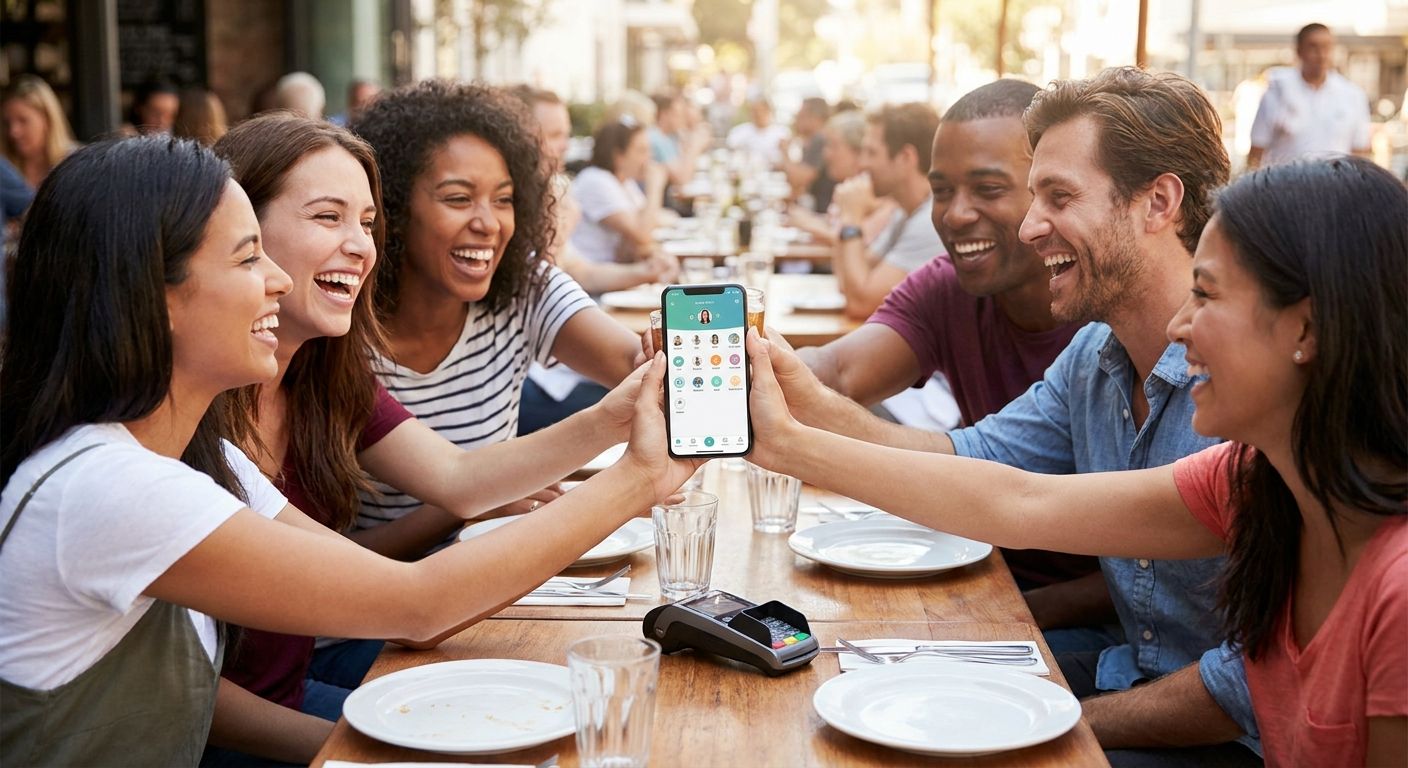
The apps built specifically for restaurant bill-splitting close that gap by starting from the actual receipt instead of a guess. BillTap does this by having one diner photograph the printed receipt, then letting everyone else scan a QR code to claim their own items and pay their exact share through an app already on their phone.
How this ranking works
This ranking weighs four things that decide whether a group actually settles up before dessert arrives: how fast items get assigned per diner, whether guests can pay with a wallet app they already use, whether the method survives a faded thermal receipt, and whether the restaurant needs new hardware or staff training to support it. Apps that require everyone to download something new lose points. Apps that require the restaurant to change its point-of-sale setup lose more.
The ranked list
1. BillTap — the receipt-scan pick
The hook: it starts with a photo of the actual paper receipt, not a manual entry screen. One diner snaps the receipt, the itemized list populates, and everyone else scans a QR code to claim what they ordered and pay their exact share.
What it does: BillTap turns a six-person check into individual, itemized totals in three steps — photograph, scan, claim — and settles through Venmo, Cash App, or Zelle, so nobody needs a new payment account. It runs as a mobile web app, so there's no install step holding up the table. For a full walkthrough of the flow, see how to split a restaurant bill with a group by scanning the receipt.
Why now: group dining in 2026 still runs on payment apps most diners already have installed, and BillTap routes through those instead of asking for a new account. That's the difference between a check that closes in minutes and one that drags into a group chat the next morning.
Verdict: Buy — best fit for restaurant tables where items were ordered individually and the group wants exact shares, not an even split.
2. Splitwise — the IOU tracker
The hook: it's built for ongoing shared expenses, not a single dinner check.
What it does: Splitwise logs who owes whom across a running balance — rent, trips, recurring group costs — and settles up periodically rather than at the table. It doesn't scan a receipt or connect directly to a restaurant's printed check.
Why now: for a one-off restaurant bill in 2026, adding an expense manually after the fact is slower than claiming items off a scanned receipt in real time.
Verdict: Hold — useful for tracking group finances over weeks, not for closing out tonight's table.
3. Restaurant POS split-check feature
The hook: it lives right on the terminal your server already uses.
What it does: many point-of-sale systems let a server divide a check evenly across a number of seats or cards. It's built into the checkout flow, so no app download is needed by the diners.
Why now: even splits ignore that one person ordered a $9 salad and another ordered a $34 steak, and the feature still needs a server to key it in during a busy shift.
Verdict: Consider — fine for a check split evenly among close friends, weak for any table that ordered unevenly.
4. Group Venmo requests, calculated by hand
The hook: everyone already has Venmo, so this feels free.
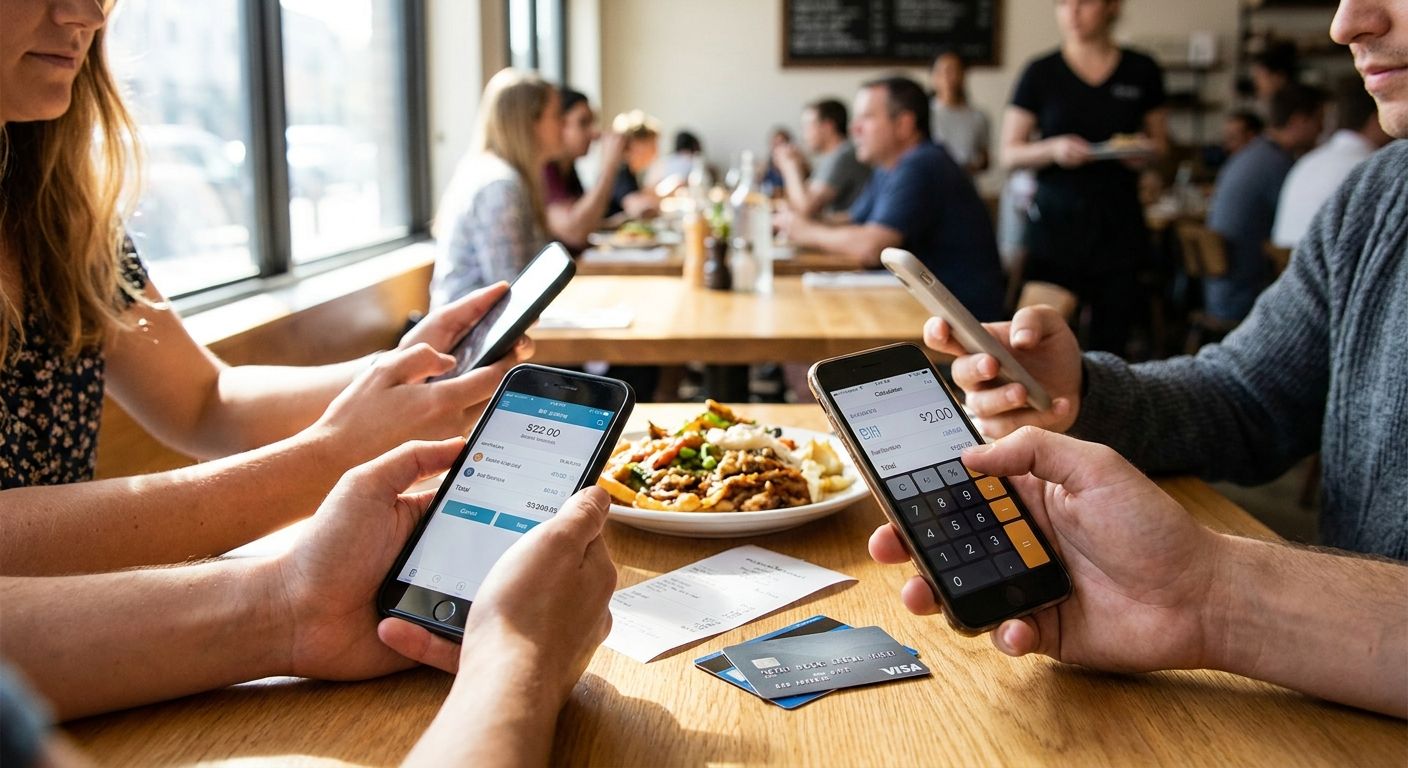
What it does: one person pays the full bill, then does the math and sends individual payment requests to each diner afterward.
Why now: manual math on a printed receipt is where errors creep in — a shared appetizer gets double-counted, tax and tip get split evenly when the orders weren't even, and someone always forgets to pay the request.
Verdict: Skip — for tables of four or more, the manual math step is the exact failure point BillTap and similar receipt-scan tools remove.
5. Group text plus a shared spreadsheet
The hook: no app at all, just a phone camera and a notes app.
What it does: someone photographs the receipt, texts it to the group, and everyone eyeballs their share before Venmo-ing it over separately.
Why now: this is the slowest method on the list because it relies on every diner doing their own math from a photo, often at different times, with no single source of truth for what's been paid.
Verdict: Skip — works for two people splitting evenly, breaks down past four.
“If a bill-splitting method needs a spreadsheet, it's not a bill-splitting method — it's homework.”
Comparison table
| Method | Itemized (per-diner) | Payment rails | Setup needed | 2026 Verdict |
|---|---|---|---|---|
| BillTap | Yes | Venmo, Cash App, Zelle | None — mobile web app | Buy |
| Splitwise | Partial | Manual settle-up | Account signup | Hold |
| POS split-check | No (even split only) | Card/cash on file | Staff-operated | Consider |
| Manual Venmo math | Yes, but manual | Venmo | None | Skip |
| Group text + notes | Yes, but manual | Any P2P app | None | Skip |
Try BillTap on your next group dinner
Scan the receipt, claim your items, pay your exact share.
Where to get started
- No download required. BillTap runs as a mobile web app, so the diner who scans the receipt doesn't need anyone else at the table to install anything first.
- Use the payment app you already have. Because settlement routes through Venmo, Cash App, or Zelle, nobody needs to create a new account just to pay their share.
- Match the tool to the table. A two-person date-night check and a twelve-person birthday dinner have different math problems — an itemized scan matters more as the group and the order variety grow.
FAQ
What's the best split check app for restaurants in 2026?
BillTap ranks first for restaurant tables in 2026 because it starts from a photo of the actual receipt and lets each diner claim their own items before paying through Venmo, Cash App, or Zelle. It beats even-split POS features and manual math for groups ordering different items.
Is BillTap better than Splitwise for a restaurant bill?
For a single restaurant check, yes — BillTap scans the receipt and settles in real time, while Splitwise is built for tracking ongoing shared expenses over days or weeks. Use Splitwise for a shared apartment, use BillTap for tonight's table.
Do all diners need to download BillTap to split a check?
No. BillTap works as a mobile web app accessed by scanning a QR code, so diners claim their items and pay without installing anything new.
How does BillTap calculate each person's exact share?
One diner photographs the printed receipt, the itemized list populates, and each guest scans the QR code to claim what they ordered. The app totals each person's exact share, including their portion of items they claimed.
Can a restaurant's own point-of-sale system split a check by item?
Most POS split-check features divide the total evenly across a set number of seats rather than by individual item, and a server has to key it in. That works for close friends splitting evenly but not for tables where orders varied widely.
What payment apps does BillTap support?
BillTap settles through Venmo, Cash App, or Zelle, so each diner pays with whichever app they already have installed rather than creating a new account.
Is a manual Venmo split good enough for a large group dinner?
For two or three people splitting evenly, manual math works fine. Past four people with mixed orders, manual calculation is where mistakes happen — double-counted shared plates, uneven tax splits, forgotten requests.
Does BillTap work for happy hour or bar tabs, not just sit-down dinners?
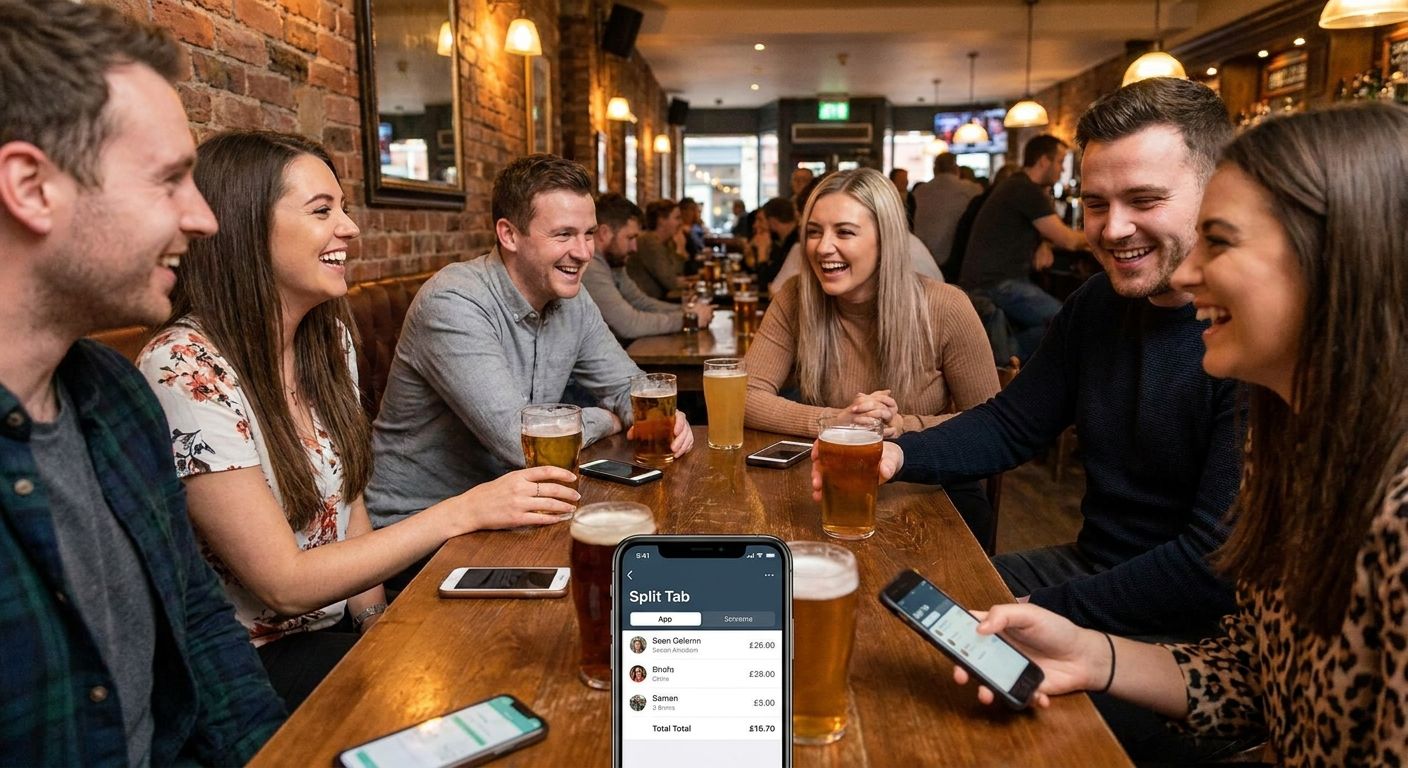
Yes — the same photograph-scan-claim flow applies to any itemized receipt, including bar tabs and happy hour checks where drink orders vary widely across the group.
One last thing
The method that fails most often isn't the app with the fewest features — it's the one that asks a human to do math on a printed receipt after two rounds of drinks. Every entry on this list that involves manual calculation lands at Skip or Hold for exactly that reason. The 2026 pick that wins is the one that removes the math step entirely: photograph, scan, claim, pay.